We will do our best to list out any trouble shooting issues. Please see below if any of these seem to be your problem. If so, click on the image for details on how to fix.
NOTE: Please, before going to deep or emailing your admin for support, Unplug the power from the firestick for 30 seconds and plug it back in. This “power cycles” the stick and fixes many issues.
“As well Unplugging your internet Modem Power at this time can help as well“
#1 OTT App Failing to Load Everything.
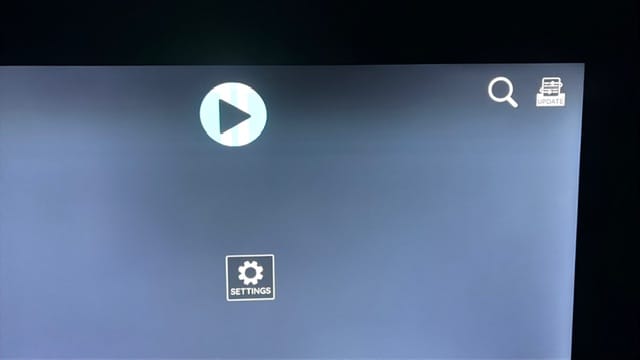
#3 Don’t know your Login info? Open your email application and search for your admins email address, as long as you haven’t deleted the email it should find it

#5 Audio out of Sync with Video
This can be Fixed by changing the Firestick audio mode to PCM, To do this
- press your Home button the the firestick Remote
- Go to the Settings Page (gear icon the the right)
- Sound / Audio Settings
- and change the Audio mode to PCM
#6 – Some shows and Movies are Pixelated, No Video or Colours are messed up? This is typically due to an Outdated Firestick that can’t handle the new Video codec’s that newer movies are encoded with. The Fix for this is upgrading to to a newer Firestick. Recommended this the Firestick 4k Max Click Here to be taken to Amazon via out Affiliate Link for this or check out the Product page at the top!
Gone through all of this and STILL having issues? Don’t fret, this is what your admins are for. Please email them. In your email please detail what exactly the issue is. When it began or how often it is happening. And include a list of everything you have already tried. Otherwise it is very likely the first response you get from your admin will be them sending you to THIS website. Thank You.