The app opens but you don’t see all the fun features, it may look like this image or differently.
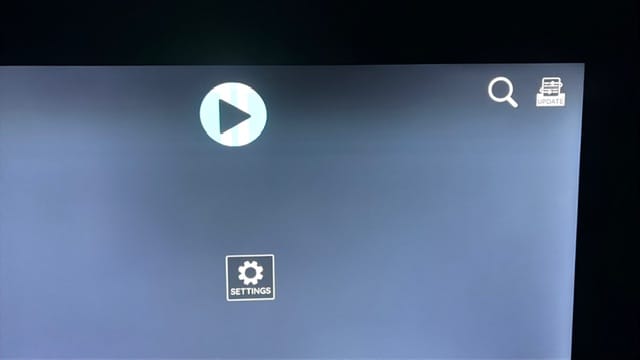
This commonly happens due to time or a firestick update removing permissions.
On the firestick home page go to settings (small gear icon on the far right)
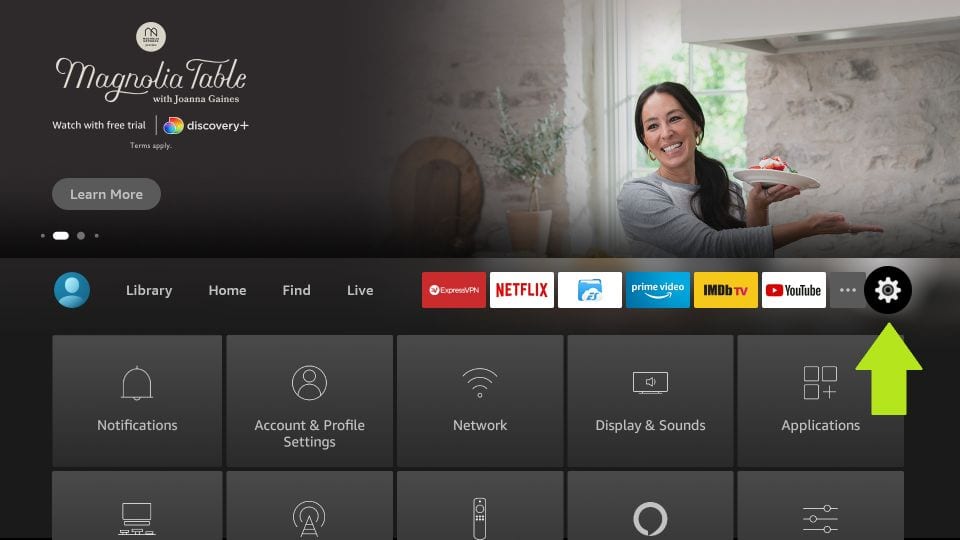
Select “Applications”
Select “Manage installed Applications”
Scroll down and select “OTT Pro”
Click on Permissions and set to “Allow”
or
“Files and Media” be sure it is set to “Allow”
Now save or back out of that page, then Unplug Firestick power and plug back in!
Open your tv app again and click the update button! you should be good to go