Caution: There are a lot of IPTV apps in the App store, Our app will never ask for payment or credit card information (unless you want premium features), please verify you are installing the app we recommend.
App #1 – Smarters Player Lite
https://apps.apple.com/ca/app/smarters-player-lite/id1628995509
This will be the app for any of your apple device.
Select “XTREAM CODE”
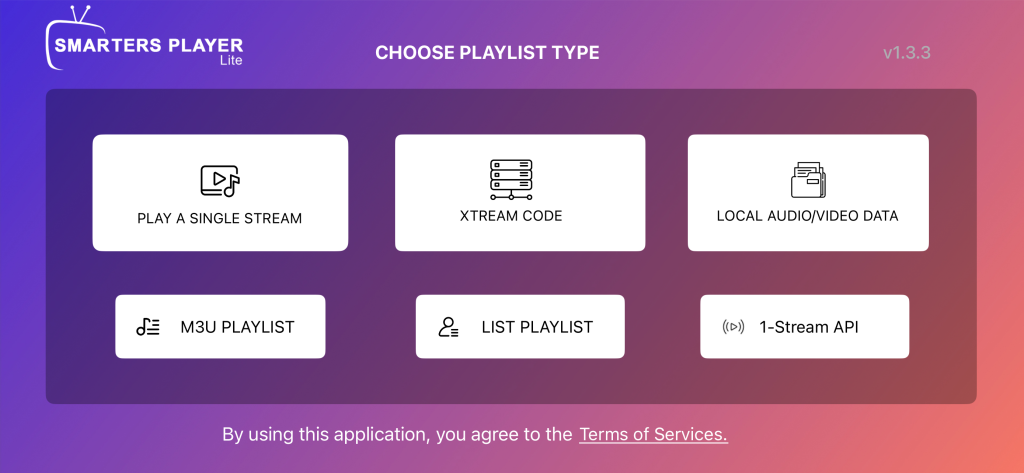
- Playlist name can be anything
- Username and password are sent by your admin
- Server url is http://edge.bz:8080
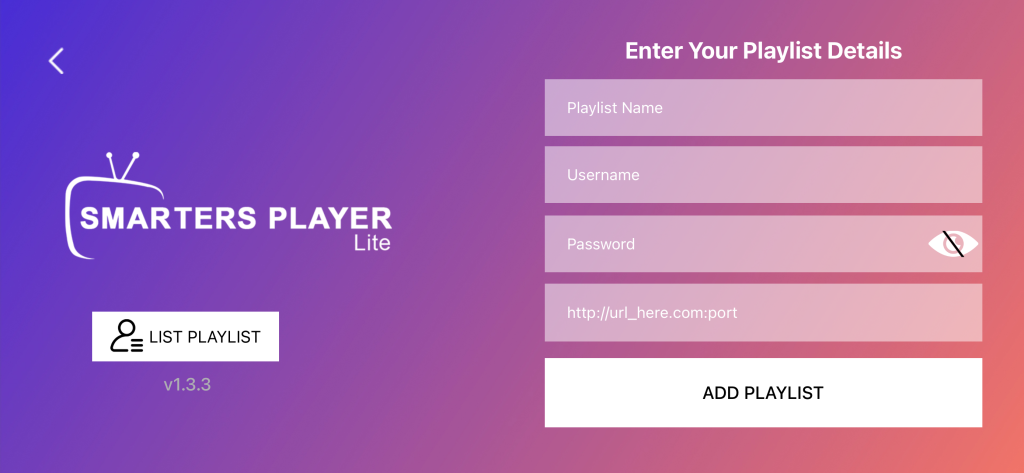
Select “add playlist”
Enjoy
APP #2 = TvMatePRO – https://www.tivimateiptvpro.com/download
https://apps.apple.com/us/app/tvmate-player-pro/id6740245296
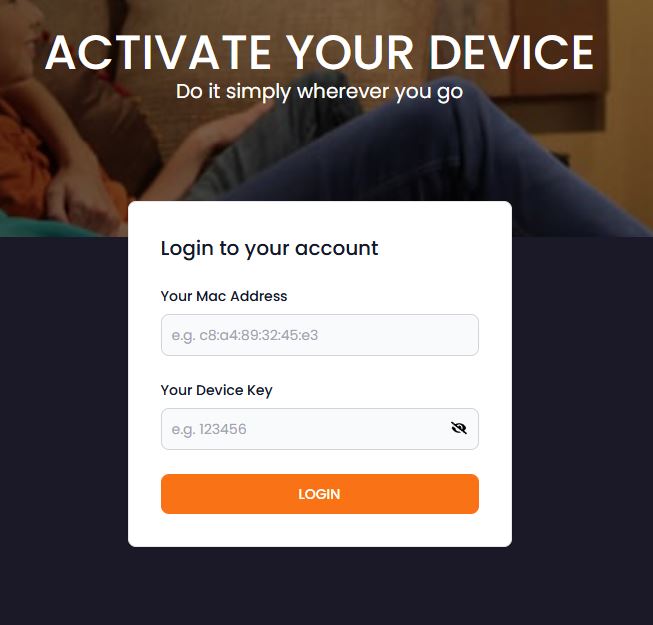
Step 1 – once you have your app downloaded, you will be presented with a Mac id, as well as a device Pin. These will need to be entered on the TvMatePro website to activate the free 7 day trial of the app.
Click Here to Activate
Step 2 –
Add a playlist – This can be done from their website or on the app via device you installed on, (website is quick and easier to type)
Playlist name = can be anything
Host url = http://edge.bz:8080
User name = This is the userid your admin provided you with
Password= This is the Password your admin provided you with
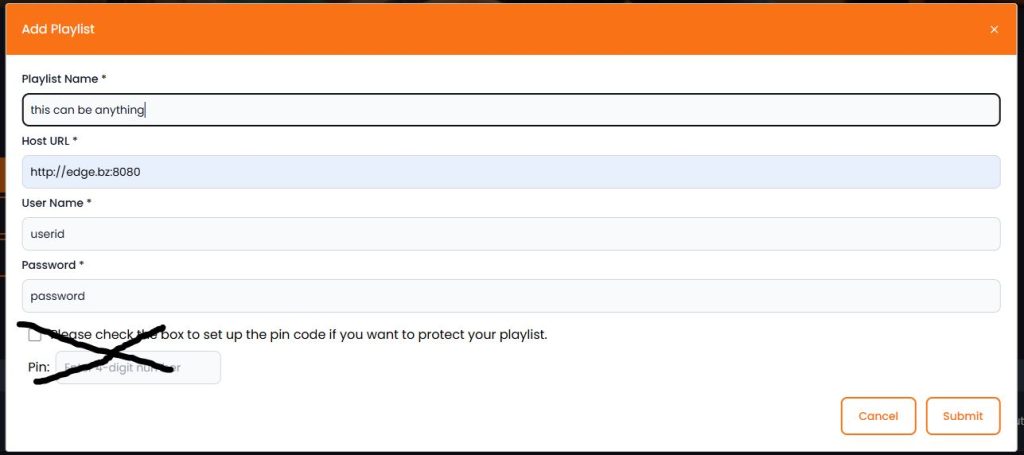
Click Submit.
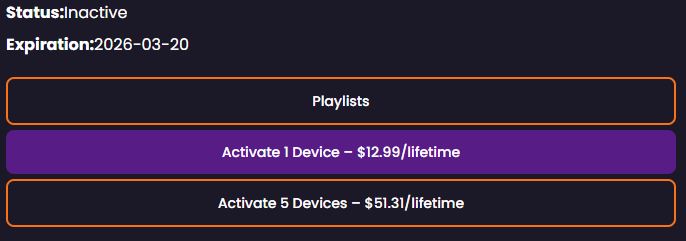
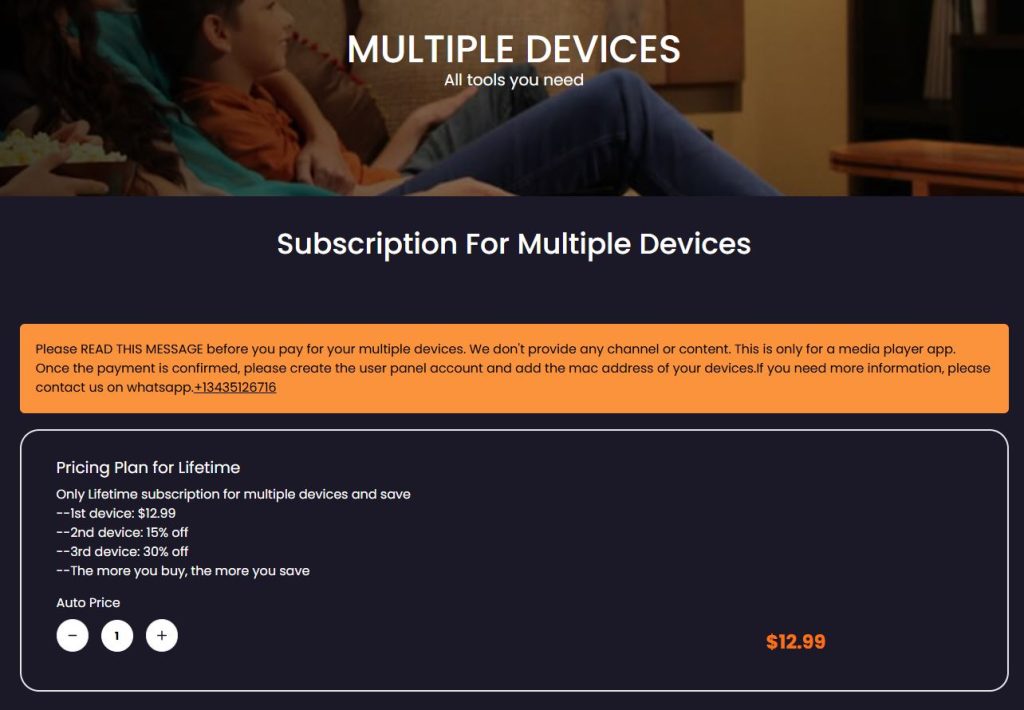
Step 3 – This app has a 7 day trial, if you like it you can pay for a lifetime access per device (please note if you only buy 1, that lifetime subscription is tied to that device mac id). If you have more than 1 device you can get multiple lifetime (if you buy multiple, you get access to a Panel where you can swap mac addresses incase a device needs to be swapped or upgraded)